Is your computer taking forever to boot up? Slow computer startup and overall sluggish performance rank among the top frustrations for homeowners and remote workers. If your PC feels stuck in molasses—long boot times, delayed app launches, and lagging everyday tasks—you’re not alone. These issues often stem from accumulated clutter and can be resolved with targeted fixes or professional computer repair.
Common Causes of Slow PC Startup and Sluggish Performance
Several factors contribute to a slow computer:
- Too many startup programs launching automatically and consuming resources.
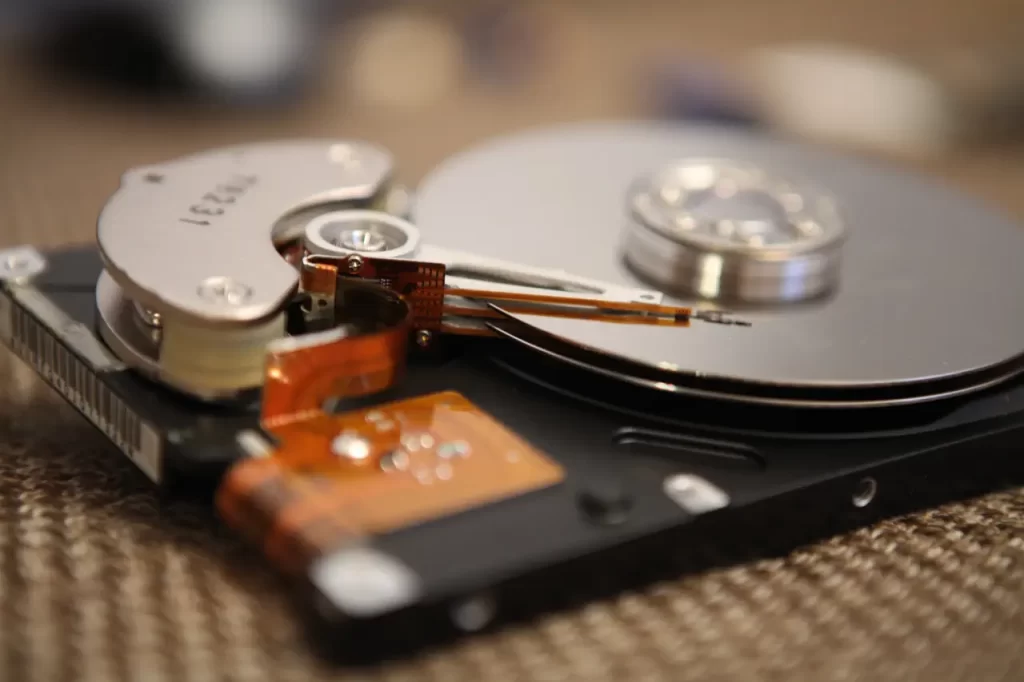
- Bloatware, fragmented hard drives (especially HDDs), and low RAM forcing reliance on slower virtual memory.
- Malware or spyware quietly draining CPU and RAM.
- Outdated drivers, full storage (over 80% capacity), or an overloaded startup list.
Symptoms include frozen browser tabs during video calls, delayed mouse responses, and accelerated battery drain on laptops. For families using shared home computers for work or school, these delays quickly erode productivity.
DIY Steps to Speed Up Slow Computer Startup
Start with these safe, beginner-friendly fixes:
- Open Task Manager (Ctrl + Shift + Esc) and disable unnecessary startup items under the Startup tab.
- Run built-in tools: Use Disk Cleanup, defragment your drive (for HDDs), and update Windows or macOS.
- Uninstall unused apps and run a full antivirus scan to remove malware.
- Free up space—aim for at least 20% free on your main drive.
These steps often deliver noticeable improvements in boot speed and responsiveness.
When to Hire a Professional for Sluggish Performance
If basic troubleshooting doesn’t resolve the issue, it’s time for expert help. Professionals use advanced diagnostics to identify failing hardware, perform deep registry cleaning, optimize drivers safely, and recommend cost-effective upgrades like switching to an SSD. An SSD upgrade can reduce startup times from minutes to seconds while improving overall speed. One other hardware change that will have a big impact of speed and reliability is to increase the amount of RAM in the system.
In areas like Atlanta, where remote work is common, certified technicians often combine performance optimization with network tweaks for seamless multi-device use. They can offer advice on changes or improvements to enhance your workflow, office setup, and comfort based on their experience with tried and true methods. Professional service prevents data loss risks associated with DIY hardware changes and can include warranties on repairs.
Prevent Future Slow Computer Issues
Maintain snappy performance with these habits:
- Keep at least 20% free drive space.
- Schedule monthly cleanups and enable automatic updates.
- Investigate reliable antivirus software. MS Windows comes with Defender and is usually adequate for your needs.
- Consider annual professional tune-ups that include dust removal and thermal maintenance.
Addressing slow computer startup and sluggish performance promptly extends your device’s lifespan and avoids costly premature replacements. If your PC still drags after basic fixes, contact a local computer repair expert for a thorough diagnostic and possible reimage of your computer or laptop which guarantees a solution in slow computer startup—they can restore reliable, fast performance in one visit.
Photo by Edemekong Andem on Unsplash